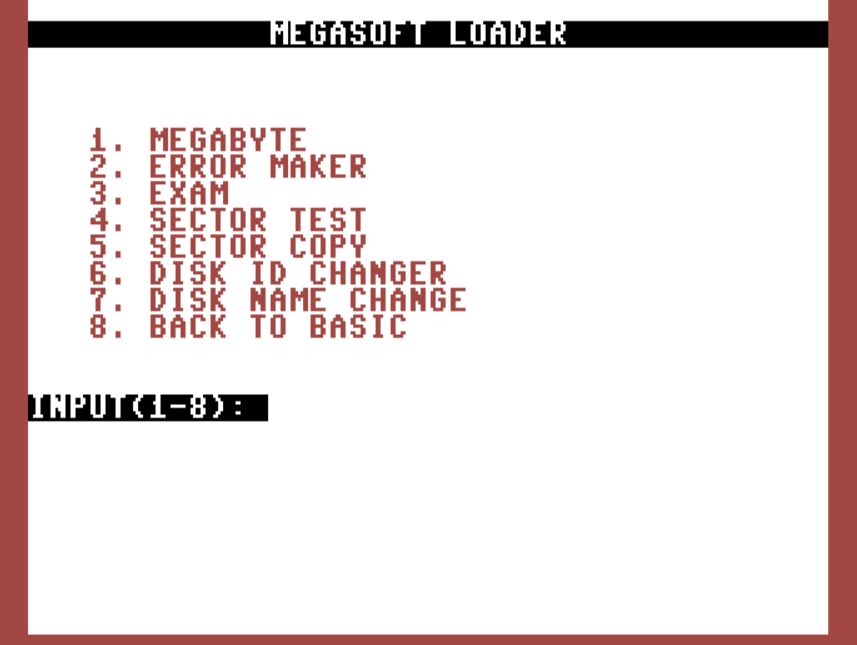
Released in 1984
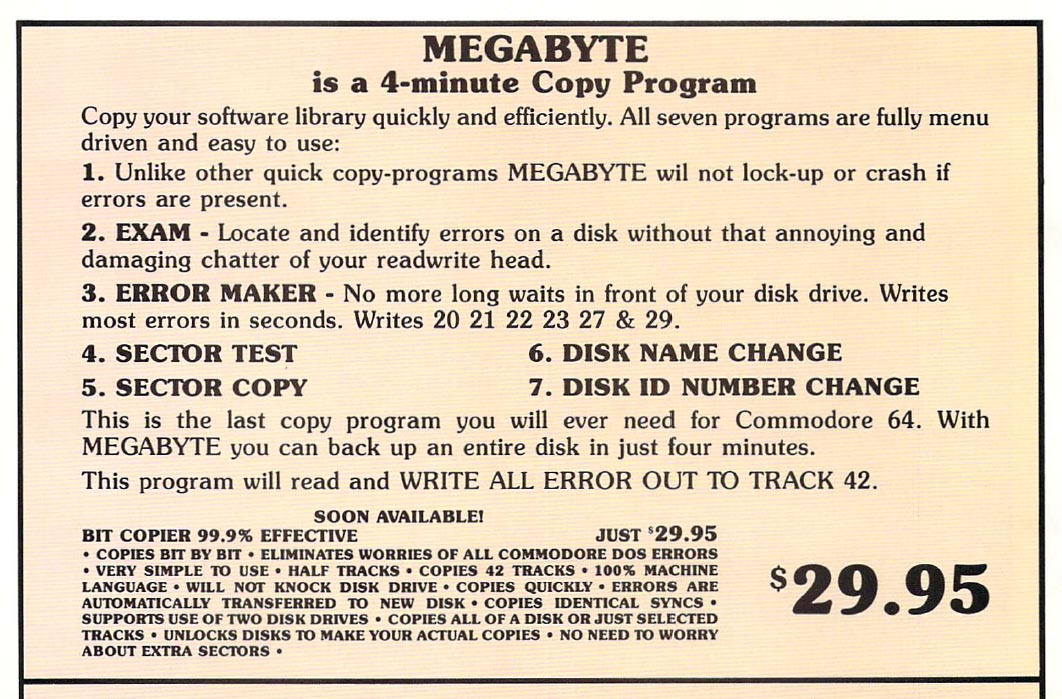
Was a 4-minute Copy Program.
Claims it will not lock-up or crash on errors
Locate and ID errors
Error Maker, Sector Test, Sector Copy
Disk Name and ID changer
DOWNLOAD HERE: Megabyte
Released in 1984
Was a 4-minute Copy Program.
Claims it will not lock-up or crash on errors
Locate and ID errors
Error Maker, Sector Test, Sector Copy
Disk Name and ID changer
DOWNLOAD HERE: Megabyte
This is a CRT file I made for my Easy Flash 3 cartridge.
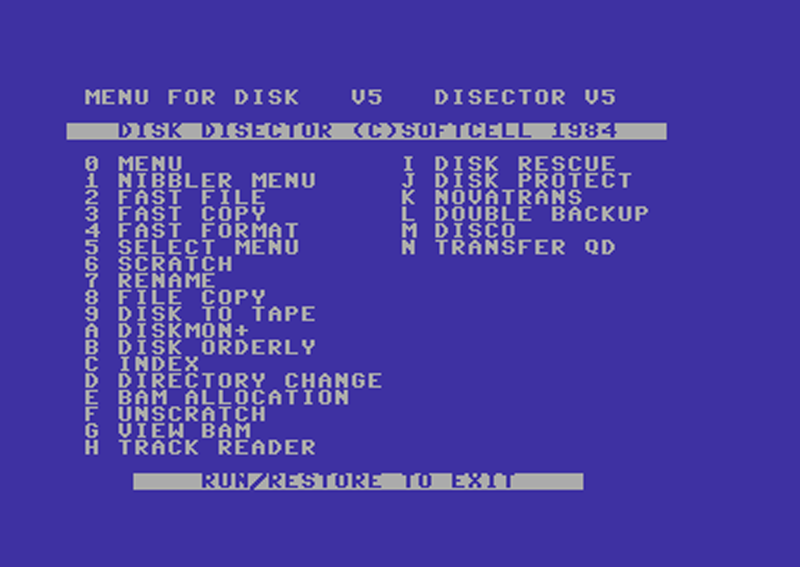
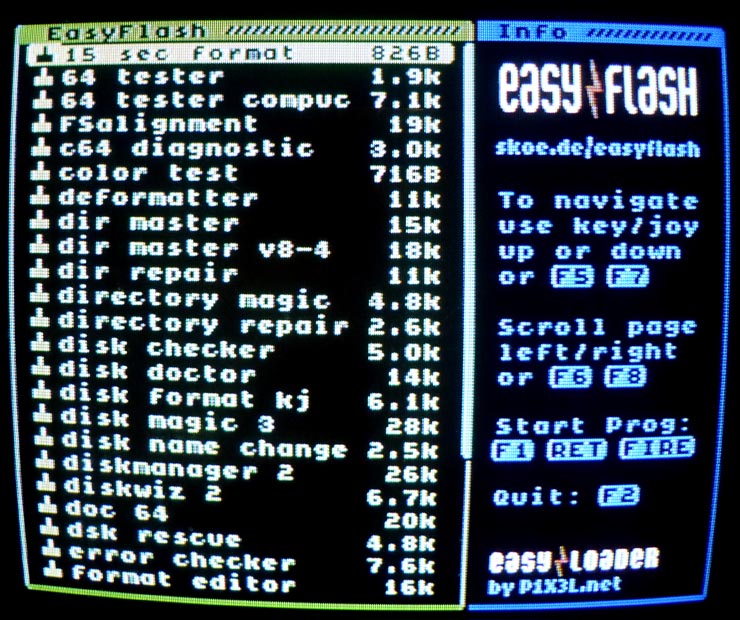
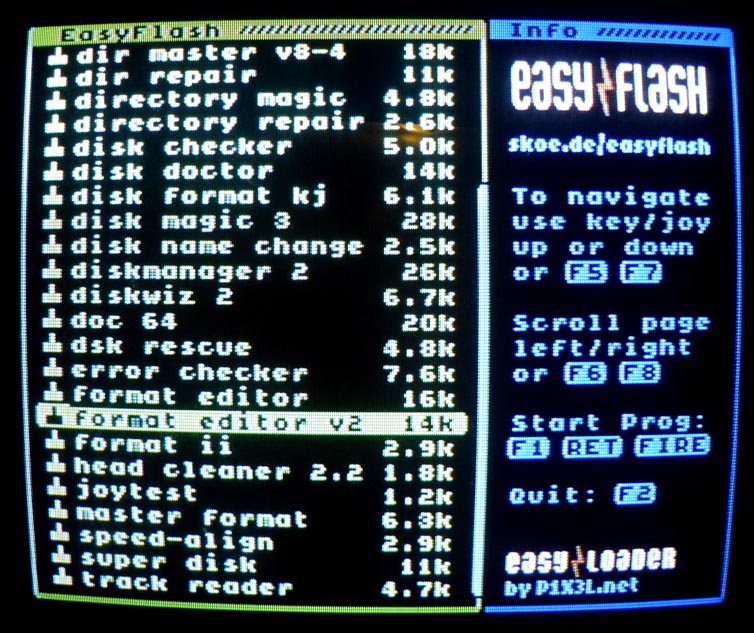
This crt contains over 25 Commodore 64 utilities which are mostly disk related programs
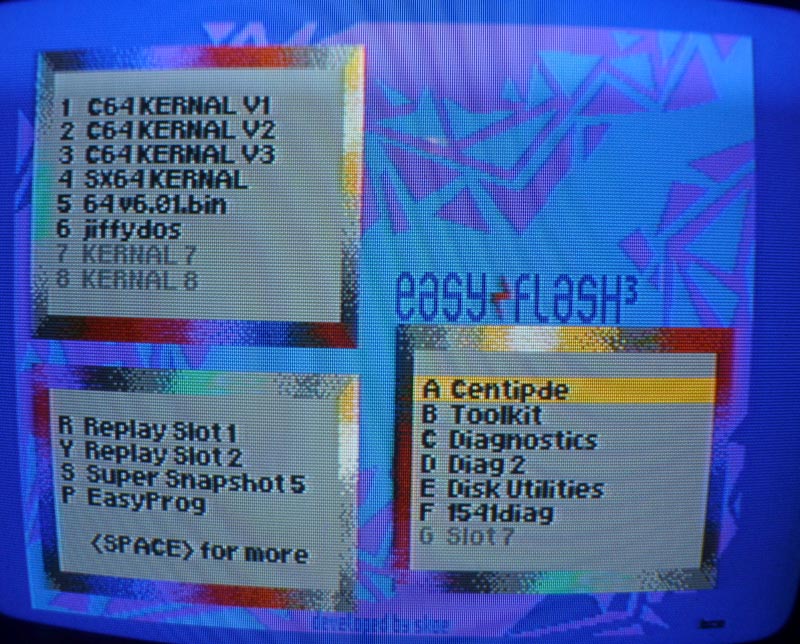
Below is the file menu and you can DOWNLOAD the File HERE
Then use the ‘P’ EasyProg built in function in your Easy Flash 3 to install this to your cartridge.
Installing a JiffyDOS
I made two videos when I installed my JiffyDOS into my Commodore 64 and the 1541 disk drive.
SUBSCRIBE to my Commodore Youtube: http://www.youtube.com/channel/UCwIwtv0TMkJqbzPnQ3F3qmA?sub_confirmation=1
Below are those videos
How to Install a JiffyDOS into a Commodore 64
httpvh://www.youtube.com/watch?v=5i1oBDXvWQ4
Installing a JiffyDOS in a Commodore 1541 Disk Drive
httpvh://www.youtube.com/watch?v=_HiAmKLEm9Y
Easy Flash 3
This is a 100% MUST HAVE cartridge for any Commodore 64 user.
First of all you can have EIGHT custom Kernals. I used this for my JiffyDOS, until I bought the actual chips and install them into my C64, that alone is pretty amazing.
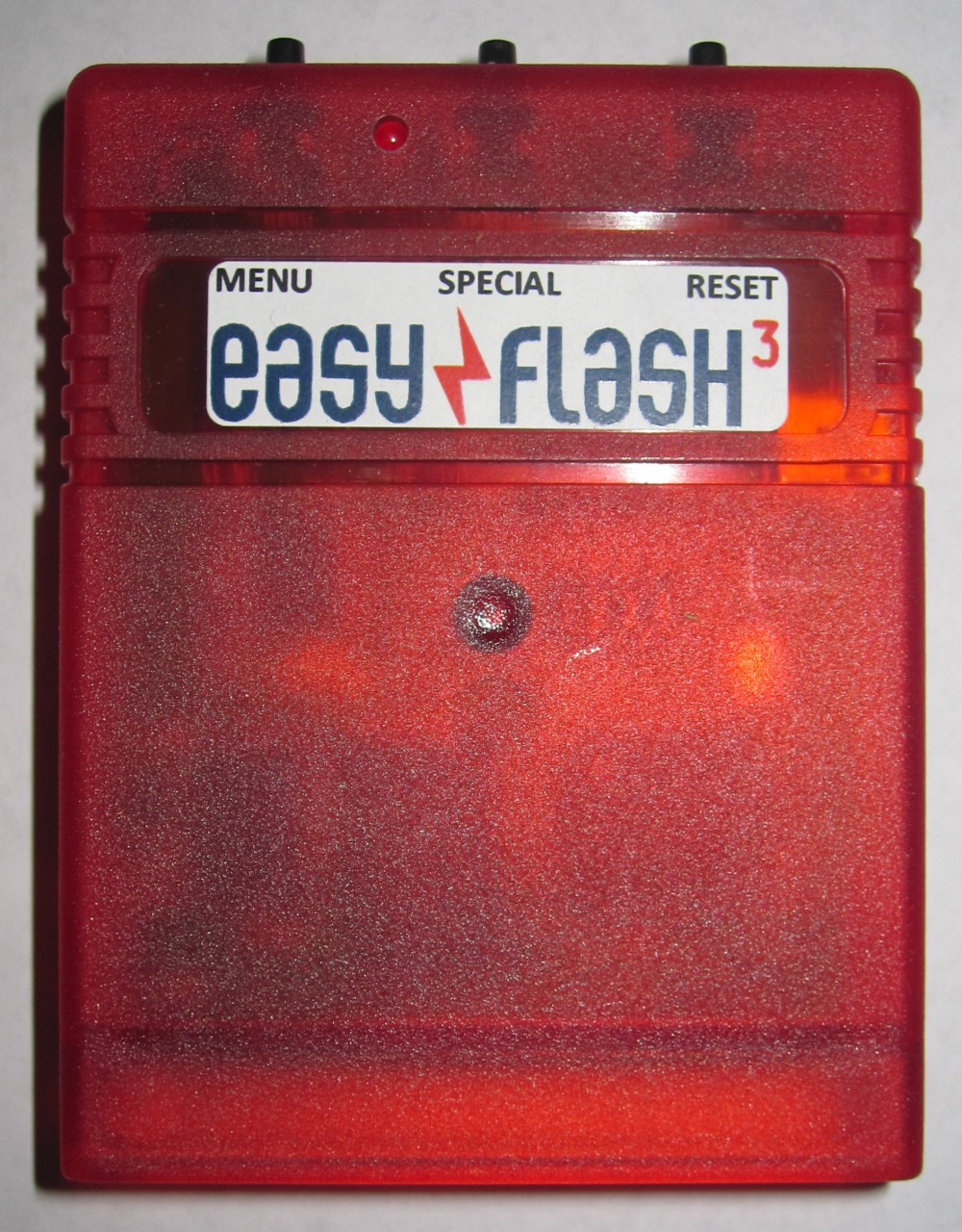
THEN you can add Action Replay and Super Snapshot to this. There are three buttons on the end of this cartridge for MENU, Special and RESET. Special is used for the Snapshots.
This is the BOOT MENU.
The third section is for cartridge images (CRT) that you can add to the Easy Flash 3. You have seven slots, BUT that does not mean that you can only have even programs. You can combine dozens and dozens of programs into ONE CRT file.
I use NDEFGUI to do this.
1541 Diagnostic Cart v1.0
This is a group of 1541 disk drive utilities put together into a cartridge format on WORLDOFJANI
The BEST part is that it is FREE, you do NOT have to buy this from Ebay, just download the ZIP file from the above link. THEN upload the .CRT file to your EasyFlash3 cartridge.
I love the Fast FORMAT utility on this and use it often. Also the Speed Check is nice.
TEENAGE MUTANT NINJA TURTLES
This game was released by ULTRA games. It was a double disk set with data on the front and back.
After the game loads you get this screen to the left. You have to look up the code on a red code sheet, In this case you had to look up the ‘J29’ to progress in the game.
HERE is the TMNT-FIXED
in PDF format for you to print out.